Memex: Stop Babysitting Your LLM Sessions
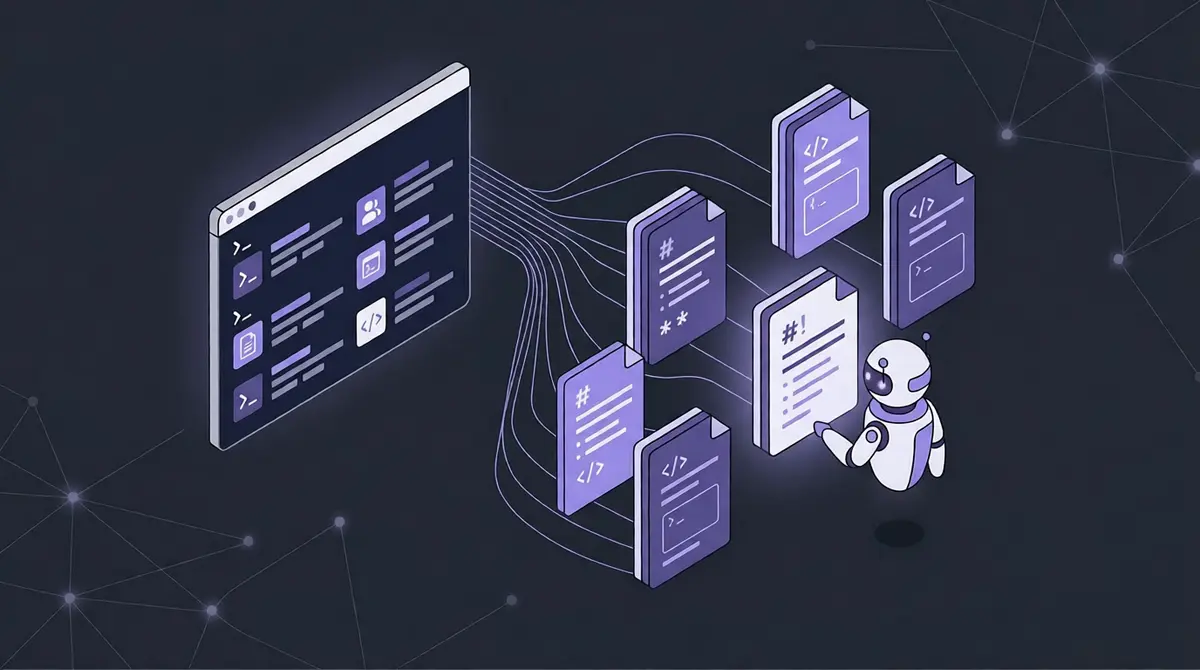
Memex is a local CLI that gives LLMs persistent, semantic memory across sessions — no API keys, no MCP server, just markdown files and a vector index.
Once you stop re-explaining your project at the start of every session and start letting hooks enforce your own standards automatically, you can finally focus on the work itself.
Why
Every LLM session starts from zero. The model doesn't know your project's conventions, which modules to avoid, how you test, or what you decided last week. So you explain it again. And again.
My first fix was copy-pasting preparation documents — architecture notes, LiveView dos and don'ts, naming conventions — at the start of every chat. Tedious, but it worked. Then I tried a long system prompt. That worked less well, and still reset with every new session.
The next step was referencing markdown files instead of inlining them. Better — but I was still loading everything into every session, most of it irrelevant to what I was actually doing. If I was editing a single LiveView, I didn't need the deployment docs.
That's when the vector database idea clicked: don't load everything, load what's relevant. And if you can hook into the agent's file-editing workflow, you can load it at exactly the right moment — before the agent touches a _live.ex file, hand it the LiveView blueprint. After it writes a file, check if the test exists.
I built the first version in Elixir. Then Python (needed a venv everywhere). Then Node. Each time, the install friction was too high to share with friends or use in a new project without thinking about it. I ported it to Rust: fast cold start, single binary, ships as a curl-install. The GitHub workflow now builds for macOS and Linux automatically.
The MCP version existed briefly. The problem: MCP tools re-inject their schemas into every message. For a tool you use occasionally, that's a lot of wasted tokens in a long session. A CLI that shells out costs nothing when you don't call it.
What
Memex is a local CLI for storing and searching markdown notes ("blueprints") with semantic search. You point it at folders you already have — an Obsidian vault, your docs/ directory, your project's deps/ — and it builds a local vector index.
Key properties:
- Blueprints are just markdown files. No proprietary format, no lock-in.
- Flexible sources. Reference local project files or remote git repositories that sync automatically with
memex sync. Sources can be read-only — shared blueprint repos that any project can mount without accidentally editing. - Obsidian-compatible. Blueprints link to each other with
[[slug]]wikilink syntax. Works out of the box with an existing Obsidian vault. - Single binary.
curl | sh, then it works. No runtime, nonode_modules, no venv. - Self-healing index. Every
searchandlistruns a SHA-256 staleness check. Changed files are re-embedded automatically. - Hook system. File-pattern rules in
hooks.tomltell the agent which blueprints to read before editing a file, and what to check after. - Git-backed. Every write is committed. Every blueprint has full version history.
memex broken-refs scans all blueprints — and any external files you list like CLAUDE.md — and reports [[slug]] references that don't resolve. Documentation that falls out of sync gets caught before it misleads the agent.
How
Here's what the setup looks like in a Phoenix project:
# memex.toml
project_name = "myapp"

[myapp]
mount = "docs/myapp"

[phoenix-framework]
mount  = "docs/phoenix-framework"
remote = "https://github.com/exfoundry/memex-blueprints-phoenix-framework.git"

[deps]
mount          = "deps"
include        = ["*/usage-rules.md"]
index_filename = "usage-rules.md"
readonly       = true
One line in CLAUDE.md:
Run `memex agent-instructions` for the generic usage brief + this project's sources.
If the command isn't found: `curl -LsSf https://raw.githubusercontent.com/exfoundry/memex/main/install.sh | sh`.
At session start, the agent runs memex agent-instructions. If memex isn't installed, it installs it. From that point on, the agent knows the project's sources and how to search them — fully automatic.
The hook that does the real work:
# hooks.toml
[[pre-write]]
pattern   = "_live\\.ex$"
blueprint = "phoenix-framework/liveview"

[[post-write]]
pattern           = "^lib/(.+)\\.ex$"
text              = "No test found. Expected: test/${1}_test.exs — write it before moving on."
when_file_missing = "test/${1}_test.exs"
Before the agent writes any _live.ex file, it reads the LiveView blueprint. After writing any .ex file, if the matching test file doesn't exist, it's reminded to write one. The agent handles it — I don't have to ask.
The bigger picture
The unlock isn't just for Elixir projects. I use Memex for a health project — tracking lab results and diagnoses for a friend — and for searching automotive repair manuals. The pattern is the same: domain knowledge in markdown, semantic search to surface what's relevant, hooks to enforce process.
What changes is that you stop maintaining the session. You don't keep a long-running chat alive because starting fresh is too expensive. You don't refactor the same bad decisions repeatedly because your design documents now travel with your code. You don't manually remind the agent to write tests.
The session becomes disposable. The knowledge isn't.
There's a stranger unlock too: I've helped friends who don't code build their own apps on top of my architecture. I set up the project structure and database schema, write the blueprints that encode the decisions, and hand them the repo. They build the UI themselves — feature by feature, with the LLM as their pair programmer. The blueprints keep the agent from going off-rails. What would've required constant hand-holding becomes something they can run independently.
Install:
curl -LsSf https://raw.githubusercontent.com/exfoundry/memex/main/install.sh | sh